 Aave
Aave
Aave liquidations, debt repayment and collateral seizure
last updated
Aave liquidations let liquidators repay debt and receive collateral plus a bonus when a borrower's health factor falls below 1. Crossing that threshold makes a position eligible; an executable liquidation transaction must still change the account. The amount repaid depends on the applicable version, account balances and liquidation rules. Borrowers lose the collateral that covers the repayment and bonus, while any remaining debt continues under the position's terms.
From an unhealthy position to a completed seizure
A health factor falling below 1 meets the health condition for liquidation, before any liquidator takes collateral. Price movements and accrued borrowing interest can push an existing position across the boundary without another borrow transaction. A completed liquidation then reduces the selected debt and removes collateral through the protocol's settlement logic.
A transaction that fails its checks doesn't complete that exchange. Conversely, repayment after a completed liquidation affects the remaining obligation; it doesn't reverse the collateral transfer. A falling dashboard health factor alone doesn't prove that collateral has been seized.
V3 repayment caps and V4 target health
V3 close-factor limits
V3 limits repayment through a close factor, which caps the debt that a liquidation can cover. Applicable implementations allow larger repayments for sufficiently unhealthy positions or small selected balances.
Available collateral also limits repayment. V3 implementations with dust rules reject liquidations that leave uneconomic residual balances unless the selected debt or collateral is fully liquidated. A close-factor ceiling isn't a promise that every liquidation removes that exact proportion. The selected debt, available collateral and deployed implementation determine the executable amount.
V4 target-health sizing
V4 normally calculates a repayment limit around a configured target health factor. That target belongs to the relevant Spoke, the contract that manages the borrowing position. Collateral availability and dust handling can alter the amount that the transaction can settle.
V4 also calculates its liquidation bonus using health factor and configured bonus parameters. Falling health can increase the bonus until its configured maximum applies. These rules describe a different repayment calculation from V3; a V3 percentage alone doesn't describe a V4 liquidation.
What pushes an Aave health factor below 1?
An account crosses below 1 when its debt value exceeds its collateral value after applying the relevant liquidation thresholds. Health factor equals the sum of each eligible collateral asset's value multiplied by its applicable liquidation threshold, divided by total debt value. The calculation values collateral and debt in the same accounting currency. A collateral price decline or a borrowed asset's price increase can therefore move the account toward liquidation.
Borrowing interest also increases the obligation over time. The applicable collateral thresholds can differ with account settings, including Efficiency Mode. An estimate that holds debt or those settings constant answers a narrower question than the live account calculation. A single collateral price target becomes unreliable when several inputs change together.
Debt reduction and the collateral deduction
The repayment amount
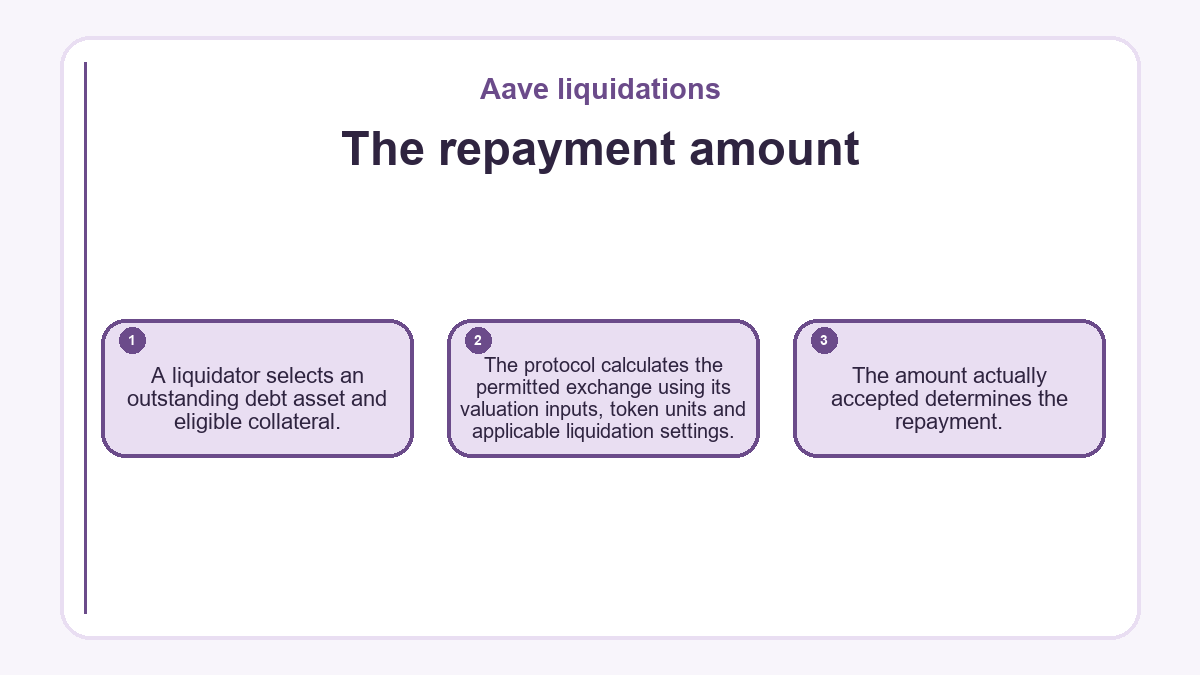
A liquidator selects an outstanding debt asset and eligible collateral. The protocol calculates the permitted exchange using its valuation inputs, token units and applicable liquidation settings. The amount actually accepted determines the repayment.
A partial repayment can leave debt outstanding. Under V3.3's bad-debt rules, however, a liquidation that exhausts the account's collateral burns the remaining borrower debt and records a reserve deficit. That debt reduction isn't an additional repayment by the liquidator. Clearing the selected debt asset doesn't establish that every debt balance in the account has disappeared. Other borrowed assets require their own accounting.
The bonus and protocol share
The collateral deduction covers both the debt's value and the liquidation bonus. In V3, a configured protocol fee can take part of that bonus. Consequently, the liquidator's receipt can be smaller than the borrower's total collateral deduction.
The bonus doesn't establish the liquidator's net profit. Transaction costs, funding expenses and the price available when disposing of collateral affect the outcome. Competition also means an otherwise viable opportunity may disappear before a transaction executes.
Can a borrower intervene before liquidation?
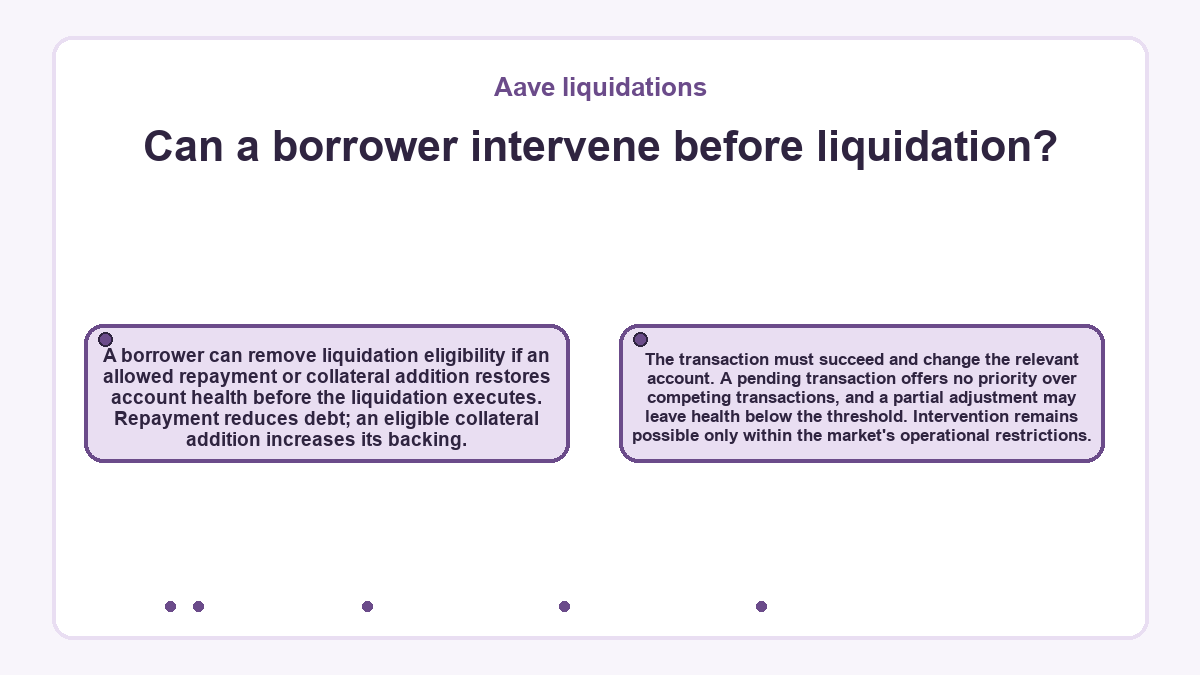
A borrower can remove liquidation eligibility if an allowed repayment or collateral addition restores account health before the liquidation executes. Repayment reduces debt; an eligible collateral addition increases its backing. The transaction must succeed and change the relevant account. A pending transaction offers no priority over competing transactions, and a partial adjustment may leave health below the threshold. Intervention remains possible only within the market's operational restrictions.
A pending liquidation and the settled account
Consider an account showing health below 1 and a pending V3 liquidation transaction. Until the liquidation succeeds, the pending transaction doesn't prove that the account has lost collateral. The expected outcome is a debt repayment accompanied by a collateral deduction. A pending transaction alone supplies neither result.
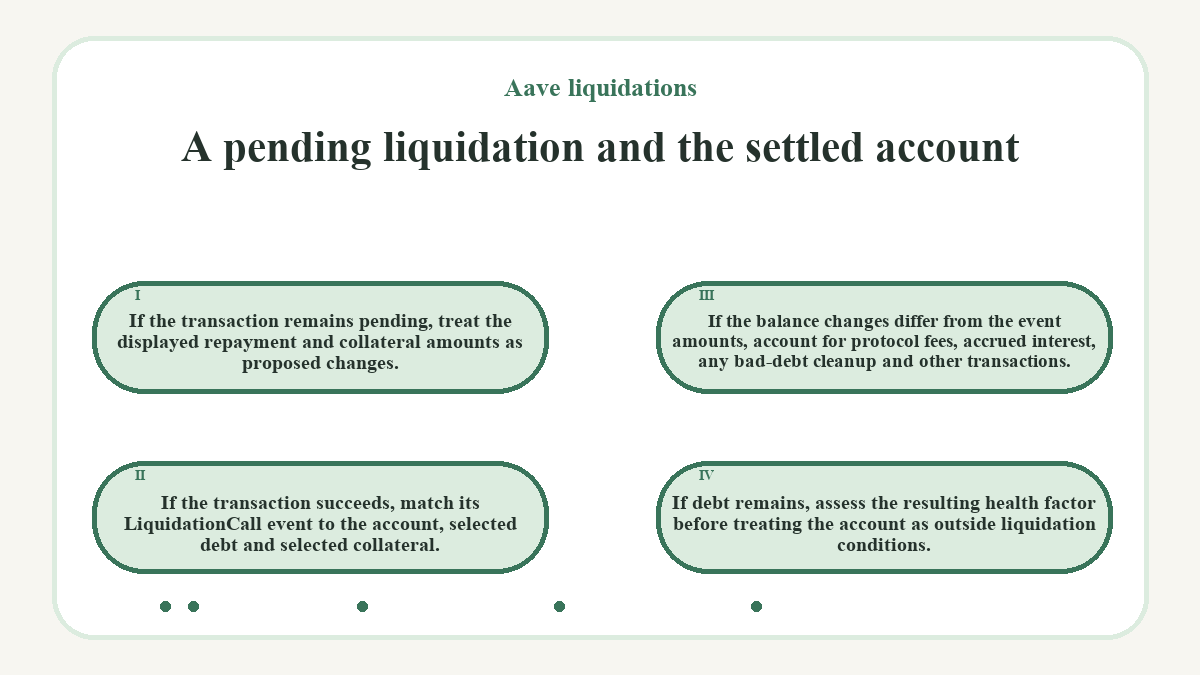
- If the transaction remains pending, treat the displayed repayment and collateral amounts as proposed changes.
-
If the transaction succeeds, match its
LiquidationCallevent to the account, selected debt and selected collateral. - If the balance changes differ from the event amounts, account for protocol fees, accrued interest, any bad-debt cleanup and other transactions.
- If debt remains, assess the resulting health factor before treating the account as outside liquidation conditions.
An independent account read at the transaction's block separates the settled state from a delayed interface display. The event identifies the repayment and collateral delivered to the liquidator; it doesn't alone describe every remaining account balance. If the observed record shows a failed transaction, that attempted liquidation hasn't established the expected outcome.
Oracle values and execution restrictions
The protocol's oracle provides the asset prices used for account valuation. A price displayed on an unrelated trading venue needn't match that input. Oracle failures or incorrect valuations can therefore affect liquidation eligibility independently of the price a trader sees elsewhere. Collateral liquidity also matters: the protocol's accounting value doesn't guarantee an equivalent sale price.
Execution restrictions remain separate from health. V3 liquidation validation checks reserve status and applicable liquidation grace periods alongside the account threshold. A restricted reserve can block liquidation even while the account remains unhealthy. Once that restriction ends, liquidation may become executable if the position still meets the remaining conditions.
Common questions about Aave liquidations
-
Can collateral that hasn't fallen in price be seized?
- Yes, eligible collateral can be seized because liquidation eligibility concerns the account's combined backing and debt. The selected asset doesn't need to have caused the health-factor decline. A liquidator can target enabled collateral even when another collateral asset fell or a borrowed asset rose in value.
-
Does revoking a wallet's token approval stop liquidation?
- Revoking a wallet's token approval doesn't remove the protocol's ability to liquidate collateral already backing an eligible position. Liquidation uses the protocol's collateral records and the liquidator's repayment funds. The borrower doesn't grant a fresh token allowance to authorize each seizure.
-
Are frozen V3 reserves automatically protected from liquidation?
- A frozen V3 reserve isn't automatically protected from liquidation. Freezing and pausing are different controls: liquidation validation checks active and paused status, applicable grace periods and account eligibility. The freeze flag alone doesn't block the liquidation call.
-
Must a V3 liquidator receive the underlying collateral token?
- A V3 liquidator can request aTokens instead of the underlying collateral token. An aToken represents the corresponding supplied asset. This choice changes what the liquidator receives; it doesn't prevent the borrower's collateral balance from falling or change liquidation into an ordinary voluntary repayment.
-
Why can an account show healthy collateralization after a liquidation?
- A liquidation can leave the remaining position healthy because it changes both debt and collateral balances. The displayed health factor describes the resulting account, not necessarily its condition when the transaction executed. A later price movement can also change that reading.
-
Is a health factor displayed as 1 enough to establish liquidation eligibility?
- No. The contract compares the underlying health-factor value with 1. A display rounded to 1 can hide a value below or above the threshold; an exact value of 1 doesn't meet the below-1 condition.